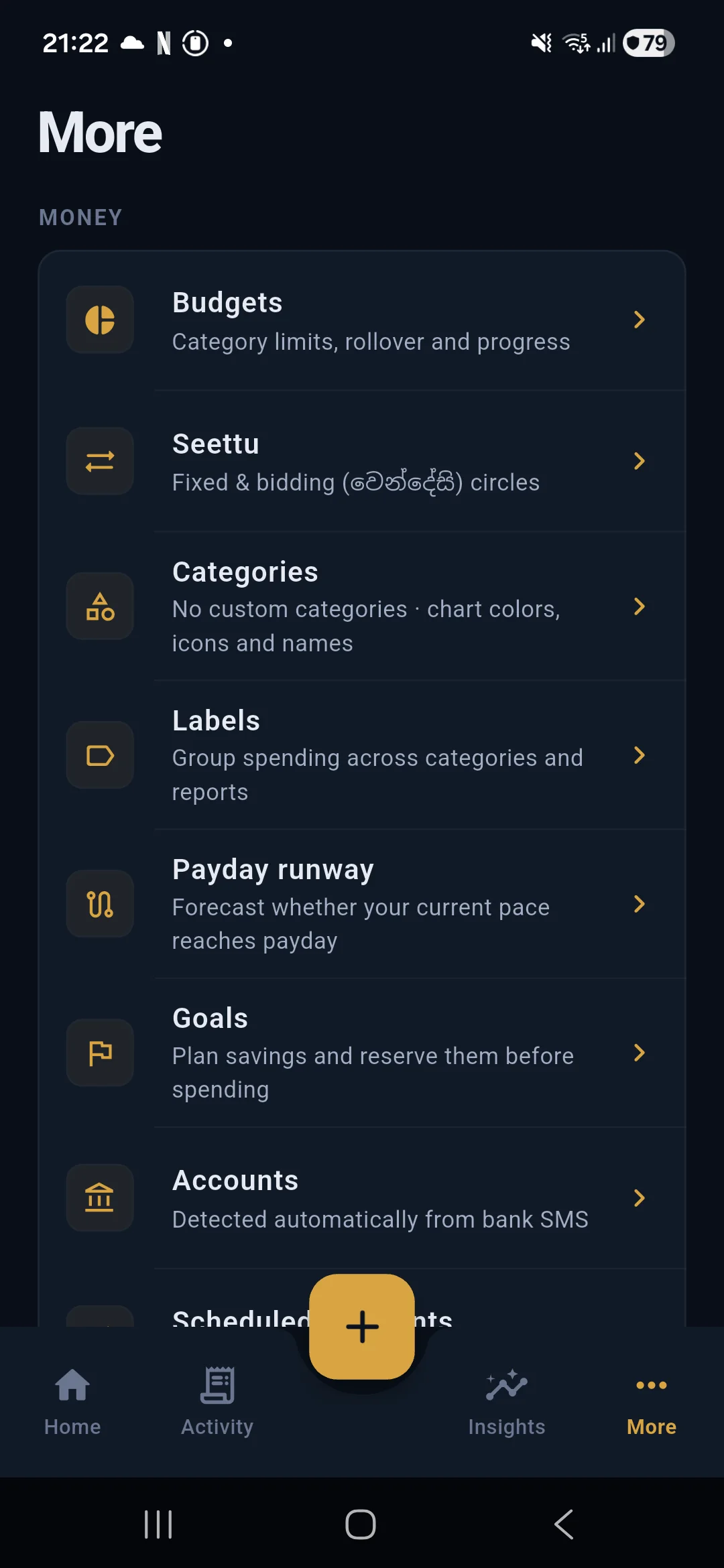
Transaction capture is the beginning of Salli, not the end. Once a few items are confirmed, the app can answer better questions: where money is going, which payments will repeat, and whether the current pace reaches payday.
Budgets
Open More and choose Budgets. Add a limit to a category such as Groceries, Dining, or Transport.
A budget follows the payday cycle rather than being forced into a calendar month. The detail screen shows the limit, spending, remaining amount, alerts, and rollover history. Unspent money can carry into the next cycle when rollover is enabled.
Budget suggestions use local confirmed history. They are starting points, not automatic limits. Review the proposed category and amount before saving.
Accounts
Accounts organise transactions and make suffix matching from SMS useful. Add the complete account or card number when available. It remains encrypted on the phone, while matching uses only the final digits shown by the bank.
Each account has a type, name, currency, and optional opening balance. Account detail shows money in, money out, net movement, and the transactions assigned to it.
An available balance extracted from an SMS can be compared with the local ledger. If they disagree, Salli presents the difference as a possible missing amount. Use Correct balance only after checking the source.
Deleting an account does not delete transactions. They move to Cash.
Categories and labels
Categories drive budgets and charts. Built-in expense and income categories can be supplemented with custom ones. A custom category can have its own name, colour, and icon.
Labels cut across categories and accounts. A label such as Holiday, Work reimbursement, or Home renovation can group related transactions without changing their budget category.
Recurring payments
Salli looks for confirmed debits with the same account, merchant, and category. At least three occurrences are needed. Timing must resemble a weekly, monthly, quarterly, or yearly cadence, and amounts must stay within a conservative range.
A detected pattern appears as a candidate. Approve it before Salli reserves the next payment in Safe to Spend. Pause or dismiss a pattern that is not a real subscription.
Scheduled payments are useful when there is no transaction history yet. Add the amount, due date, category, account, and optional note manually.
Payday Runway and goals
Payday Runway projects the current balance against spending pace and known commitments. It shows daily and weekly pace plus a day-by-day forecast. It is deterministic, so changing a transaction, budget, recurring payment, or payday input updates the projection.
Savings goals reserve money before daily spending is calculated. Use them for a target that should not be treated as available cash. A goal can be adjusted or paused without rewriting transaction history.
Seettu
Seettu supports fixed and bidding circles. A circle stores members, contribution amounts, turn order, due dates, and reminders. Bidding circles also record each month’s auction result.
Contributions due before payday can reserve money in the daily pool. This keeps a familiar Sri Lankan saving mechanism inside the same planning model as budgets and recurring bills.
Receipt capture
The transaction editor can scan a receipt from the camera or photo library. Google ML Kit performs text recognition on the device. Salli reconstructs spatial rows, then extracts a proposed total, date, merchant, and category.
Review the proposal before saving. The receipt image is not retained after extraction.
Activity and insights
Activity groups transactions by date. It supports payday, month, and week ranges, search, account and category filters, swipe actions, bulk actions, splits, transfer correction, notes, labels, and local attachments.
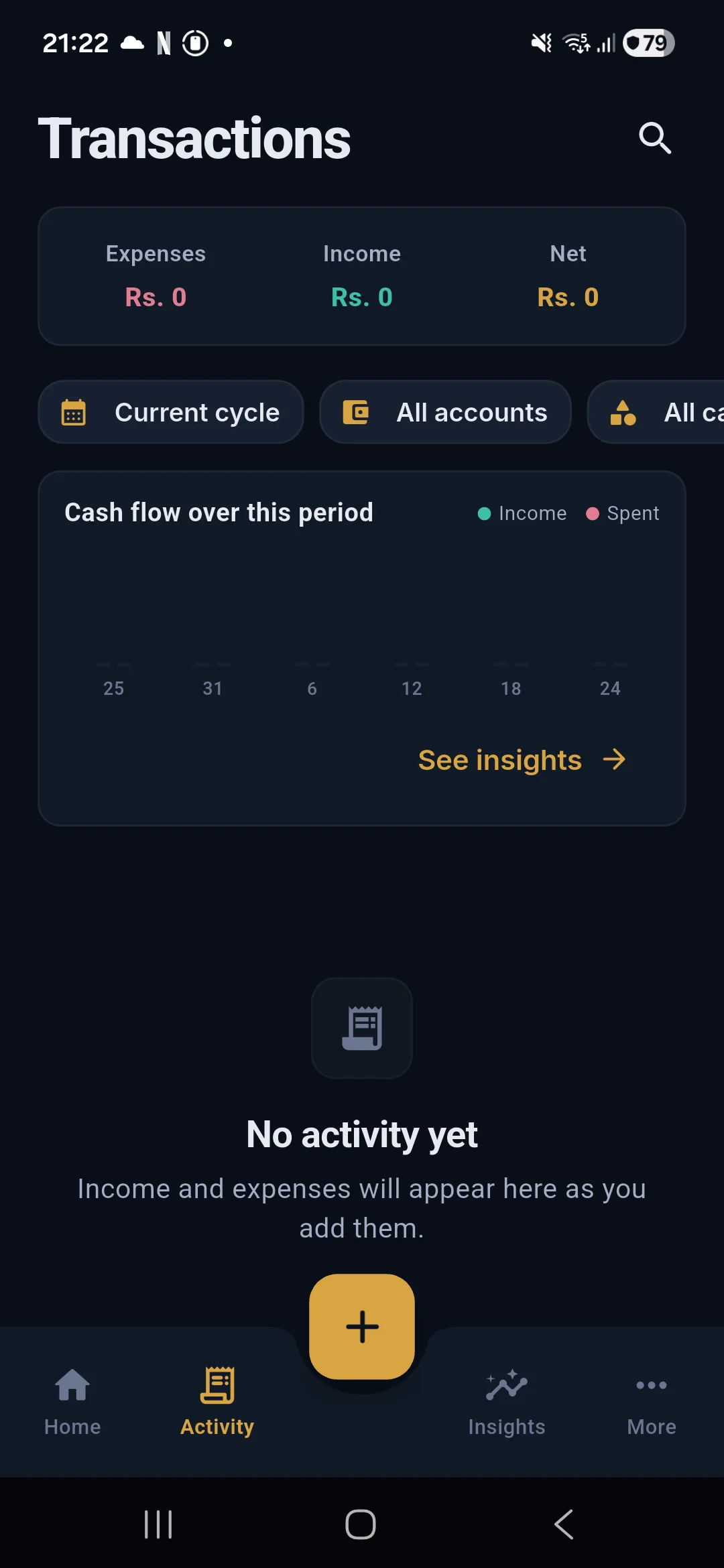
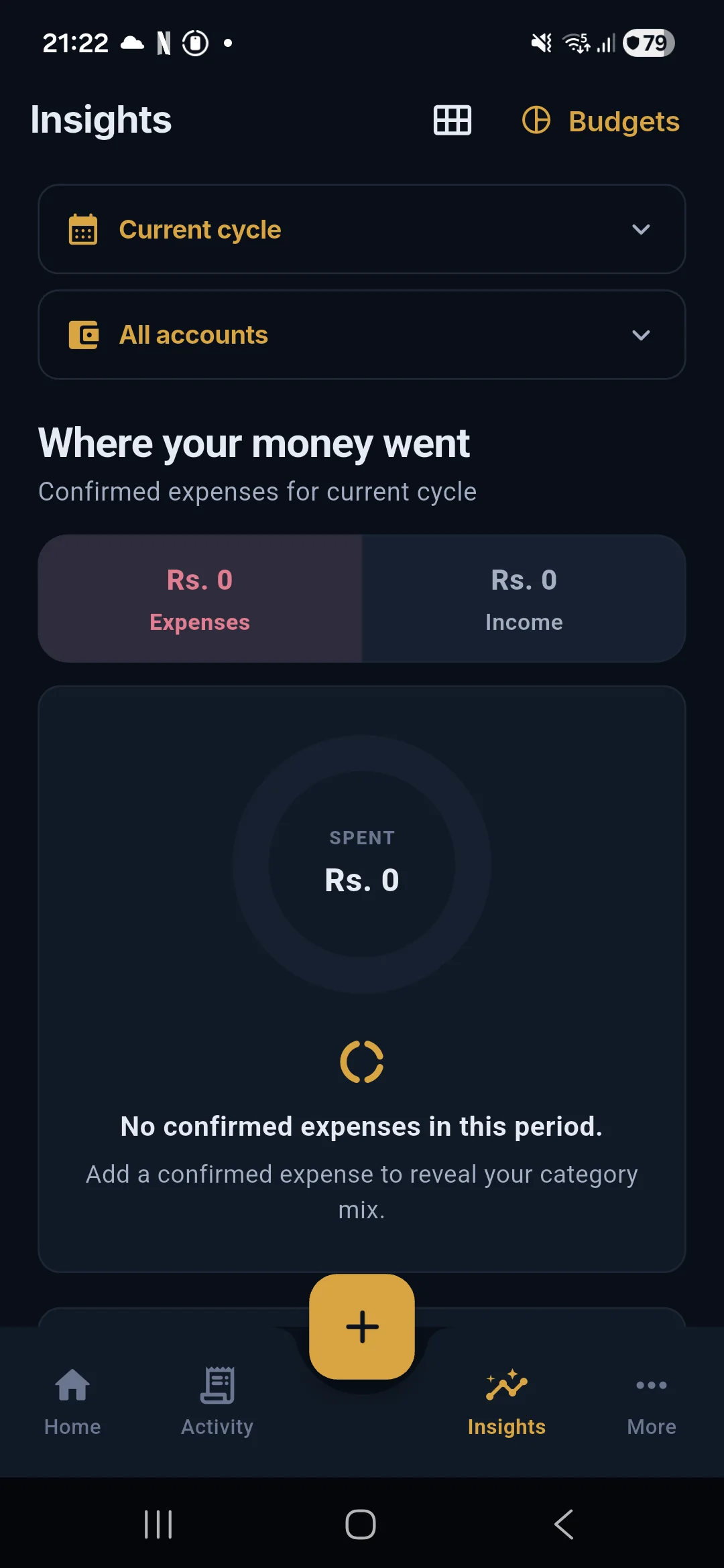
Insights uses confirmed transactions to show income, spending, net movement, category share, trend, and account views. Change the range to compare a week, month, or payday cycle. An empty chart means the selected range has no confirmed data.
Privacy controls
App lock uses the device biometric or PIN. Notification details are hidden by default. Data can be exported as JSON or CSV, and the local store can be erased from Settings after typed confirmation.
The current beta has no cloud sync. If a future paid sync service is added, it will need a separate opt-in design and a clear key-exchange model. The local features do not depend on that future service.
For setup, return to Getting started with Salli. For message capture, see Automatic SMS tracking in Salli.